How Can a Leading Web Development Company Improve?
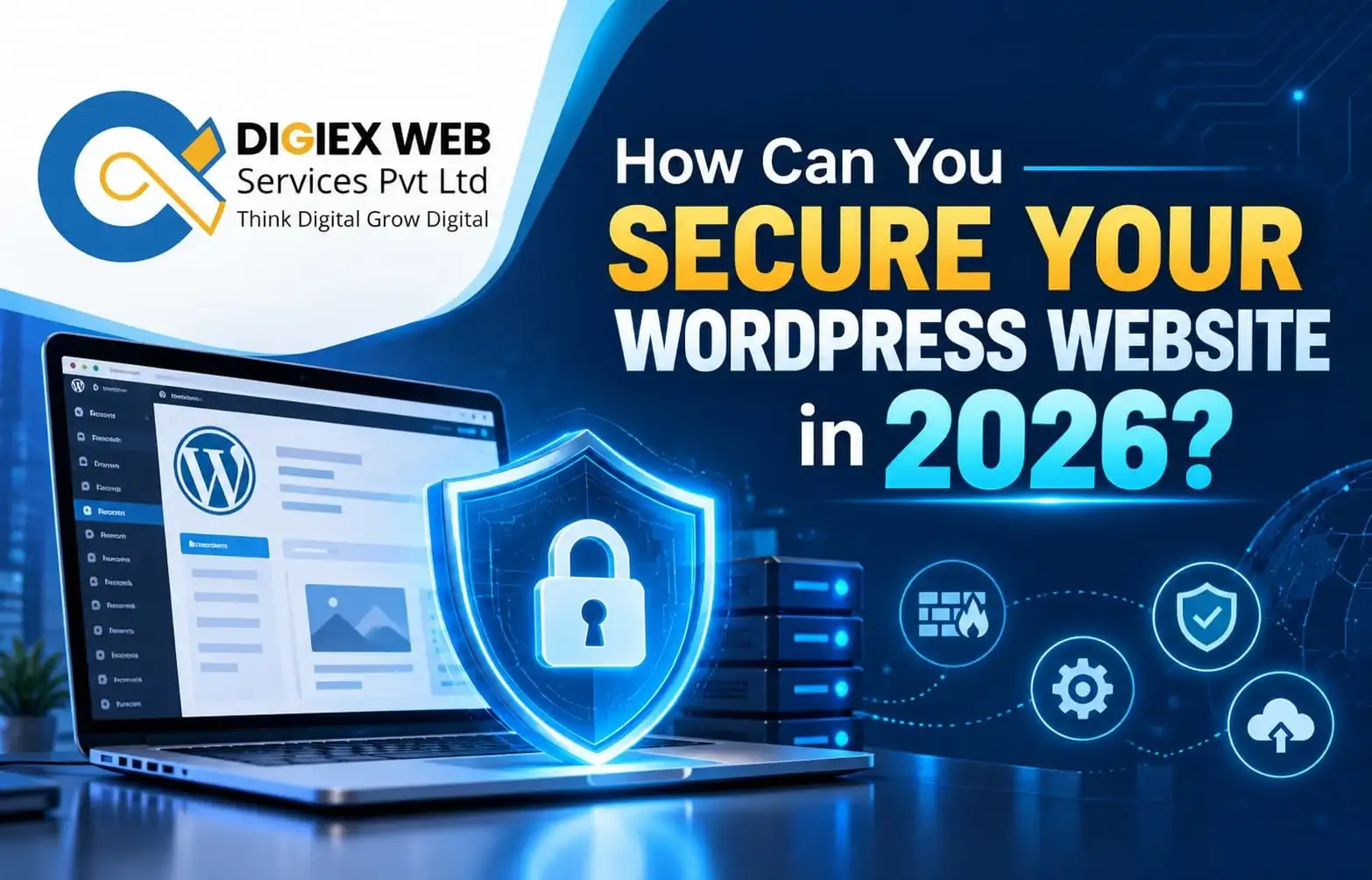
WordPress powers business websites, but outdated software, weak passwords, and unsafe plugins can expose them to attacks. The Best Web Development Company in Kolkata can help businesses strengthen website security through updates, backups, access controls, and malware monitoring. These practical WordPress security tips for 2026 explain how to reduce risks, choose suitable tools, and respond quickly when suspicious activity appears.
WordPress security is essential for protecting customer information, business reputation, website availability, and search performance. A compromised website may display malicious content, redirect visitors, or expose sensitive information. Therefore, website owners should combine preventive measures, regular monitoring, and reliable recovery procedures instead of depending on a single security plugin.
Digiex Web Services Pvt Ltd, led by Arup Mondal, supports businesses with web development and website maintenance solutions. A professional development team can help implement suitable security measures, investigate vulnerabilities, and maintain a safer WordPress environment.
Why Is WordPress Security Important in 2026?
WordPress websites can face risks from vulnerable plugins, outdated themes, stolen login credentials, insecure hosting configurations, and poorly maintained custom code. Attackers may exploit these weaknesses to gain unauthorised access or disrupt website operations.
Strong security practices help businesses:
- Protect customer accounts and submitted information.
- Reduce the risk of malware infections and unauthorised changes.
- Maintain website availability and visitor confidence.
- Limit the impact of compromised administrator accounts.
- Support website recovery through tested backups.
- Reduce the likelihood of security problems affecting search visibility.
Security is an ongoing process. Even a small business website needs regular maintenance because attackers may target websites with limited security controls.
8 Simple WordPress Security Tricks to Protect Your Website
1. Keep WordPress, Themes, and Plugins Updated
Updates often include security fixes, bug corrections, and compatibility improvements. Running outdated software can leave known vulnerabilities unresolved.
Follow these practices:
- Install supported WordPress core updates promptly.
- Update themes and plugins from trusted sources.
- Delete unused themes and plugins that are no longer needed to keep your website clean, secure, and efficient.
- Back up the website before major updates.
- Test important features after updating.
Enable automatic updates where appropriate, but monitor compatibility and confirm that updates have been applied successfully.For websites essential to business operations, validate all updates in a staging environment before applying them to the live website.
.
2. Use Strong Passwords and Two-Factor Authentication
Weak or reused passwords can make administrator accounts vulnerable to credential attacks.Two-factor authentication (2FA) strengthens account security by requiring an additional verification method alongside the password.
.
To strengthen login security:
- Create long, unique passwords for every administrator.
- Use a reputable password manager.
- Require two-factor authentication (2FA) for administrators and all other users with elevated privileges.
- Avoid shared administrator accounts.
- Remove access promptly when employees or contractors leave.
These measures help reduce the risk of unauthorised access, even if a password becomes exposed.
3. Select a WordPress security plugin that includes firewall protection and malware detection and scanning.
A suitable security plugin can help monitor suspicious activity and identify potential threats. When comparing a WordPress security plugin with firewall and malware scanning, evaluate its features, update history, compatibility, support, and impact on website performance. Check our web development portfolio click: https://digiexweb.com/portfolio/web-development-portfolio
Look for features such as:
- Web application firewall (WAF) protection.
- Malware scanning and suspicious-file detection.
- Login protection and rate limiting.
- Security alerts and activity monitoring.
- Configuration guidance and incident-response documentation.
A plugin is only one layer of defence. Some scanning features may be limited by the hosting environment or plugin plan, and no scanner can guarantee detection of every threat.
4. Configure Wordfence Malware Scanner for WordPress
Wordfence is one option for WordPress security monitoring. Its available features can include firewall protection, malware scanning, and login security controls, depending on the configuration and plan. request a Consultation click: https://digiexweb.com/quotation
When configuring the Wordfence malware scanner for WordPress:
- Install Wordfence from the official WordPress plugin directory or its official website.
- Complete the initial setup and review the firewall configuration.
- Run a scan and review the findings carefully.
- Investigate suspicious files, unexpected changes, and reported vulnerabilities.
- Configure appropriate alerts and schedule scans where available.
- Keep the plugin updated and review security notifications regularly.
Do not automatically delete every flagged file. Some results require manual verification, and removing legitimate files can break website functionality. If a serious infection is suspected, preserve a backup or forensic copy where appropriate and investigate before making destructive changes.
5. Install an SSL Certificate and Use HTTPS
HTTPS secures data transmitted between your website and its visitors by encrypting the information exchanged. It is particularly important for login pages, contact forms, customer portals, and online payments.
Check that:
- An active SSL/TLS certificate is installed.
- The website consistently uses HTTPS.
- Internal links and website assets do not create mixed-content warnings.
- Redirects from HTTP to HTTPS work correctly.
- Certificate renewals are monitored.
HTTPS protects data in transit, but it does not prevent malware infections, weak passwords, or vulnerable plugins. Combine it with other security measures.
6. Back Up Your Website Regularly
Backups provide a recovery option if a website is hacked, damaged during an update, or affected by a hosting failure.
A dependable backup strategy should include:
- Automated backups at a frequency appropriate to website activity.
- Backups of the website’s files and database.
.
- Off-site or otherwise isolated backup storage.
- Restricted access to backup files.
- Regular restoration tests.
For an active online store, frequent backups may be necessary to avoid losing orders or customer updates. A backup should not be considered reliable until the restoration process has been tested. Check our Case study click: https://digiexweb.com/case-studies
7. Limit User Permissions and Protect the Admin Area
Not every user needs full administrator access. Assigning appropriate roles reduces the potential damage caused by compromised accounts or accidental changes.
Use these safeguards:
- Grant each user only the access rights and permissions necessary to perform their assigned tasks.
- Delete unused accounts and review existing privileges.
- Avoid sharing login credentials.
- Consider additional login restrictions where suitable.
- Use secure hosting and database credentials.
- Disable unused services and features when safe to do so.
If changing login URLs or restricting access to administrative endpoints, test the configuration carefully to avoid locking out legitimate users or disrupting integrations.
8. Monitor Website Activity and Remove Suspicious Files
Security monitoring helps detect suspicious login attempts, unauthorized file modifications, and other unusual website activities., unauthorized users, and suspicious redirects.
Review security alerts, server logs, and file changes regularly. Investigate unfamiliar administrator accounts, unexpected PHP files, and modified core files rather than assuming every change is malicious.
If a website shows signs of compromise, isolate the affected system where feasible, contact the hosting provider, preserve relevant logs, and change credentials from a trusted device. A thorough investigation should identify the entry point and address the underlying vulnerability to reduce the chance of reinfection.
Which WordPress Security Plugin Is Best for Small Businesses?
The best plugin depends on your budget, website complexity, hosting setup, and technical support needs. Compare available features rather than relying only on popularity.
| Security tool | What to evaluate | Best suited for |
| Wordfence Security | Firewall, malware scanning, login protection | Businesses seeking an integrated WordPress security tool |
| Sucuri Security | Monitoring, auditing, and available incident-response options | Businesses evaluating additional monitoring and security services |
| Solid Security | Login protection, authentication, and security controls | Businesses prioritising account security |
| Hosting-provider security tools | Server-level protection, backups, and support | Businesses seeking protection integrated with hosting |
Features, pricing, and availability may change. Check each provider’s current documentation before choosing a solution. Avoid installing several overlapping security plugins without a clear plan, as duplicate features may create conflicts or unnecessary performance overhead.
Quick recommendation: Start with a reputable, maintained security plugin, secure administrator accounts, and reliable off-site backups. Add professional monitoring or incident-response support when the website handles sensitive information or is critical to business operations.
How to Protect a WordPress Website From Hackers?
Protecting a WordPress website requires multiple safeguards working together. Use this checklist as a practical starting point.
| Security task | Recommended action | Frequency |
| Software maintenance | Update WordPress, themes, and plugins | Regularly; promptly for critical fixes |
| Account protection | Use unique passwords and 2FA | Review regularly |
| Malware monitoring | Run scans and investigate alerts | According to risk and tool capabilities |
| Backups | Create off-site copies and test restoration | On a scheduled basis |
| Access control | Review users and permissions | Monthly and after staff changes |
| HTTPS | Check certificate validity and redirects | Periodically |
| Vulnerability management | Review advisories and patch affected components | Promptly |
| Incident response | Maintain a recovery and contact plan | Review periodically |
No single step can eliminate every threat. The objective is to reduce vulnerabilities, detect suspicious activity early, and restore services safely if an incident occurs.
When Should You Get Professional WordPress Malware Removal Services?
Professional assistance may be appropriate when a website repeatedly redirects visitors, displays unexpected advertisements, sends spam, contains suspicious files, or is flagged by a browser or search engine.
Consider professional help when:
- Malware returns after a basic cleanup.
- Administrator accounts or website files have been compromised.
- Your website has been suspended by its hosting provider.
- You cannot identify the source of suspicious activity.
- Customer information may have been exposed.
- The website is business-critical and downtime must be minimised.
When you get professional WordPress malware removal services, look for a provider that can investigate the initial entry point, remove malicious code, patch vulnerabilities, review compromised accounts, and verify the cleanup. Ask about backups, recovery procedures, reporting, and follow-up monitoring.
Changing passwords or deleting suspicious files alone may not fully resolve an infection. A proper response should address both the visible malware and the weaknesses that allowed it to enter.
How Can a Web Development Company Improve WordPress Security?
An experienced development team can help businesses build security into website maintenance instead of treating it as a one-time task.
A professional service may include:
- WordPress core, theme, and plugin maintenance.
- Security-focused configuration and access management.
- Backup planning and restoration testing.
- Vulnerability assessments and compatibility checks.
- Malware investigation and recovery coordination.
- Performance monitoring after security changes.
- Ongoing maintenance and documented recovery procedures.
For businesses seeking the Best Web Development Company in Kolkata, evaluate technical experience, maintenance processes, communication, support arrangements, and the clarity of the proposed security plan. Ask how incidents are handled and what is included in ongoing maintenance.
Digiex Web Services Pvt Ltd can be considered for WordPress development and maintenance discussions. Choose a provider whose services match your website’s actual risks and operational requirements rather than relying on broad security promises. Check client Review click: https://shorturl.at/34AMq
Conclusion: Make WordPress Security a Regular Priority
Securing a WordPress website requires consistent maintenance, strong authentication, reliable backups, suitable security tools, and timely incident response. Plugins can improve monitoring, but they cannot replace a complete security strategy. Businesses should review vulnerabilities regularly and seek professional help when needed. With a structured maintenance plan, Digiex Web Services Pvt Ltd can help businesses work towards a safer, more reliable WordPress website. Check map click: https://maps.app.goo.gl/r16SosYrCxLtcnNk7
Frequently Asked Questions About WordPress Security
1. How often should I scan my WordPress website for malware?
Scan regularly according to your website’s risk level and the security tool’s capabilities. Higher-risk websites may need more frequent monitoring. Also investigate unexpected file changes, login alerts, and suspicious redirects immediately.
2. Is a free WordPress security plugin enough?
A free plugin can provide useful security features, but it may not cover every requirement. Your protection also depends on secure hosting, timely updates, backups, access controls, and your ability to respond to alerts.
3. Can WordPress websites be hacked even with SSL?
Yes. SSL/TLS encrypts data in transit, but it does not fix vulnerable software, compromised passwords, or malicious plugins. Use HTTPS alongside other preventive and monitoring measures.
4. What should I do if my WordPress website is hacked?
Contact your hosting provider or security professional, preserve relevant logs and evidence, and isolate the affected website where feasible. Secure compromised accounts, identify the entry point, remove malicious code, patch vulnerabilities, and verify the cleanup before restoring normal operations.
5. Does Wordfence automatically remove all malware?
No. Wordfence can identify potential threats, but detection and remediation depend on the file, configuration, and available features. Review scan results carefully and seek expert assistance for complex infections.
6. How can regular website maintenance improve security?
Maintenance helps keep software updated, remove unnecessary components, review access permissions, test backups, and investigate vulnerabilities. A consistent process reduces avoidable risks and supports recovery when incidents occur.
7. Who should businesses contact for WordPress security support in Kolkata?
Businesses can evaluate experienced WordPress developers and website maintenance providers based on their security expertise, response procedures, and ongoing support. Digiex Web Services Pvt Ltd is one option to discuss WordPress development, maintenance, and security-related requirements.
Recent Posts

Can AI Search Help Customers Discover Your Business Before Competitors?
October 9, 2026 | Admin

Can WebMCP Turn Any Website Into an AI Interface?
October 1, 2026 | Admin

Can LiteRT.js Unlock Smarter Web AI?
September 25, 2026 | Admin

Which Website Platform Fits Your Business Best?
September 18, 2026 | Admin