What Is Laravel to WordPress Migration?
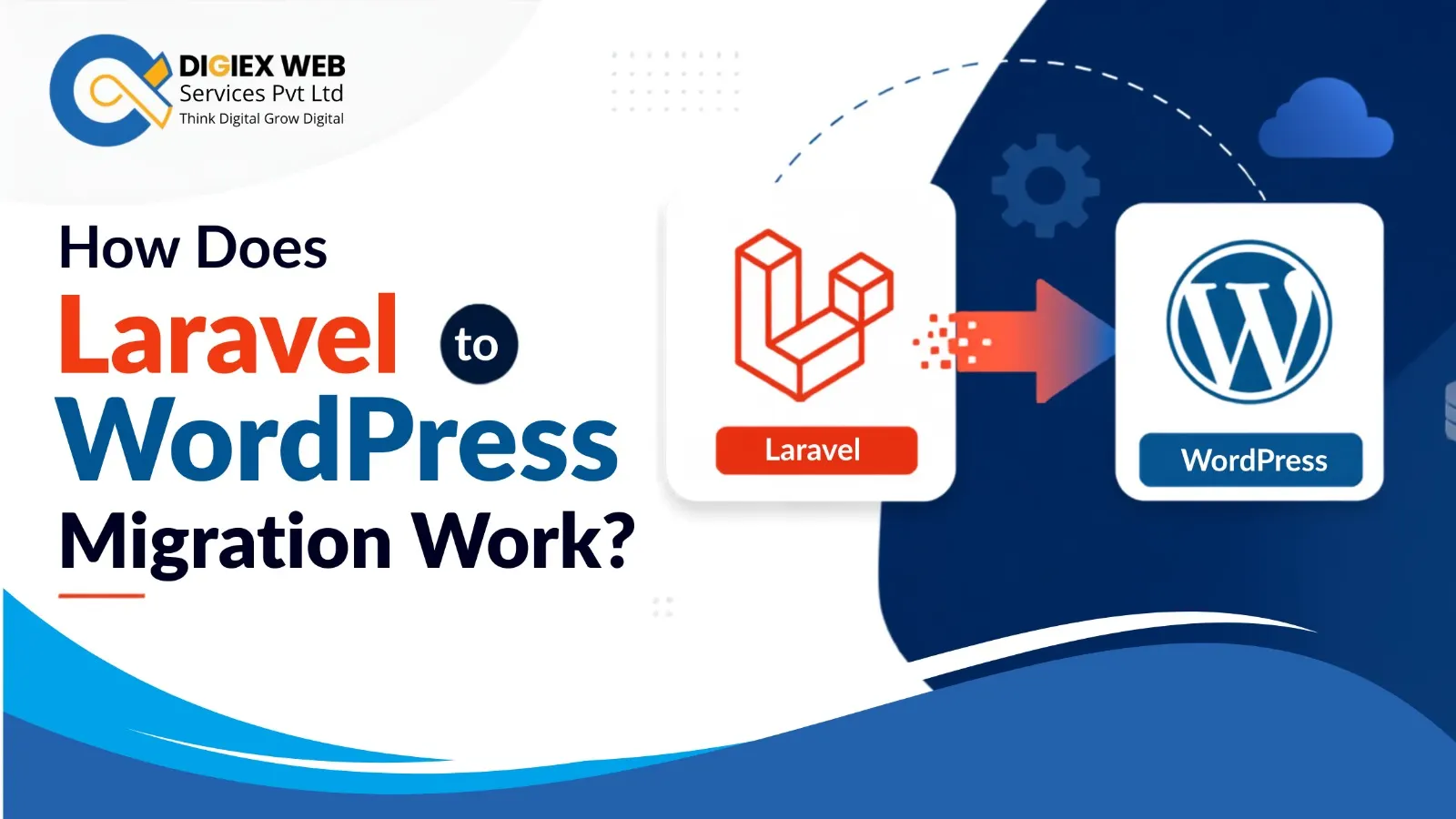
Moving from Laravel to WordPress can simplify content management while preserving important website functionality. How does Laravel to WordPress migration work? It involves auditing the Laravel website, mapping content and URLs, rebuilding functionality, migrating data, testing performance, and launching the WordPress website carefully.
Laravel and WordPress serve different purposes. Laravel is a PHP framework that gives developers extensive control over application architecture and custom functionality, while WordPress provides a content management system with an extensive ecosystem of themes and plugins.
Laravel to WordPress migration therefore is not simply a matter of transferring files. The website’s existing structure, database, functionality, URLs, media, metadata, forms, integrations, and user experience may all need to be evaluated and rebuilt appropriately.
For businesses considering the Best Website Development Company in Kolkata, understanding this distinction is important before beginning a migration project.
Why Do Businesses Migrate Laravel Websites to WordPress?
A business may consider migration when its website requires easier content administration, faster publishing workflows, or access to WordPress’s extensive content-management ecosystem, which can help in SEO.
Common reasons include:
- Easier content editing for non-technical teams.
- Simplified website administration.
- Access to WordPress plugins and integrations.
- Flexible content publishing.
- Easier SEO management.
- Greater availability of WordPress developers.
- Reduced dependence on custom development for routine content updates.
- Better suitability for content-driven business websites.
However, migration should be based on business requirements rather than assuming WordPress is automatically better for every Laravel project. A Professional SEO Service in Kolkata help websites.
How Does Laravel to WordPress Migration Work?
A successful migration generally follows a structured sequence.
1. Audit the Existing Laravel Website
The first step is understanding what currently exists.
Developers should document:
- Pages and content types.
- Database structure.
- URL architecture.
- Images and media.
- Forms.
- User accounts.
- Search functionality.
- APIs and third-party integrations.
- Custom features.
- SEO metadata.
- Analytics and tracking.
- Redirect requirements.
This audit establishes what must be migrated, redesigned, replaced, or removed.
2. Define the WordPress Architecture
The Laravel site’s functionality should then be mapped to appropriate WordPress structures.
For example:
| Laravel Component | Potential WordPress Equivalent |
| Database content | WordPress posts, pages or custom post types |
| Categories | WordPress taxonomies |
| Custom content | Custom post types |
| Media files | WordPress Media Library |
| Custom forms | WordPress-compatible form solution |
| User functionality | WordPress user roles and capabilities |
| SEO metadata | WordPress SEO implementation |
| Custom application logic | Custom plugin or tailored development |
| URL routes | WordPress permalink structure and redirects |
The exact implementation depends on the original Laravel application’s complexity.
How Is Laravel Data Migrated to WordPress?
Data migration is one of the most important technical stages.
Developers first identify which Laravel database tables contain useful website information. They then map those fields to the corresponding WordPress structures.
For example, an existing Laravel article might contain:
- Title
- Slug
- Body content
- Author
- Publication date
- Featured image
- Categories
- Tags
- SEO metadata
These fields can be mapped to WordPress content structures.
A carefully planned migration script can automate repetitive data transfers while reducing manual copying.
How Are Custom Laravel Features Rebuilt in WordPress?
This is where many Laravel-to-WordPress projects become more complex.
A Laravel website may contain custom business logic that does not have a direct WordPress equivalent. Developers must determine whether the feature should be implemented using an existing WordPress solution, customised through code, or rebuilt as a dedicated plugin.
Typical Examples
Custom search:
A Laravel search system may need to be recreated using WordPress search functionality or a customized search solution.
Booking systems:
A bespoke Laravel booking workflow may require a specialised WordPress integration or custom development.
Customer dashboards:
User-specific dashboards may need custom WordPress functionality and carefully configured permissions.
API integrations:
External services may need new API connections using WordPress-compatible development practices.
This is why choosing the best Laravel to WordPress migration service requires evaluating development expertise rather than simply comparing migration prices.
How Should URLs Be Handled During Migration?
URL preservation is critical for SEO.
Changing the technology stack should not unnecessarily destroy existing search visibility. Before migration, developers should create a URL mapping document containing old and new URLs.
A typical process includes:
- Export existing URLs.
- Identify pages that will remain unchanged.
- Map changed URLs to their new equivalents.
- Implement relevant 301 redirects.
- Check internal links.
- Verify canonical URLs.
- Test important landing pages.
- Monitor crawl errors after launch.
If URLs are changed without a redirect strategy, users and search engines may encounter broken pages.
How Can You Preserve SEO During Laravel Migration?
SEO should be treated as a migration requirement, not a post-launch task.
Important elements include:
- Existing URLs.
- Page titles.
- Meta descriptions.
- Heading structure.
- Canonical tags.
- Structured data.
- Image alt text.
- XML sitemap.
- Robots directives.
- Internal links.
- Redirects.
- Indexation settings.
- Analytics configuration.
The migration team should compare important pages before and after launch to identify unexpected changes.
How Should WordPress Performance Be Managed After Migration?
Moving to WordPress does not automatically guarantee better performance.
Performance depends on hosting, theme architecture, plugins, database efficiency, image optimisation, caching, scripts, and overall implementation.
A post-migration performance review should examine:
- Page loading speed.
- Image sizes.
- JavaScript and CSS.
- Caching.
- Database queries.
- Plugin overhead.
- Server response time.
- Mobile performance.
- Core Web Vitals.
A lightweight WordPress architecture is generally preferable to installing unnecessary plugins for every requirement.
What Happens to Images and Media?
Media files should be inventoried before migration.
Developers need to determine:
- Which images should be retained.
- Where images are currently stored.
- Whether filenames need restructuring.
- Whether image URLs will change.
- Whether image dimensions should be optimised.
- Whether alt text can be preserved.
- Whether old media URLs require redirects.
Images should ideally be migrated without creating unnecessary duplicate files or broken references.
What Should You Test Before Launch?
A staging website should be thoroughly tested before the new WordPress website replaces the Laravel version.
Pre-Launch Testing Checklist
- Test navigation.
- Test forms.
- Check important URLs.
- Verify redirects.
- Test mobile responsiveness.
- Check images and media.
- Test search functionality.
- Verify user permissions.
- Check third-party integrations.
- Review metadata.
- Test sitemap and robots settings.
- Check page performance.
- Review broken links.
- Confirm analytics tracking.
- Run security checks.
Testing should involve both technical validation and real user journeys.
Should You Hire a WordPress Migration Developer for Laravel?
Businesses with simple, content-focused Laravel websites may be able to use established migration processes. More complex websites usually benefit from specialist development support.
You may want to book WordPress migration developer for Laravel when the project includes:
- Large databases.
- Complex custom functionality.
- Member areas.
- Ecommerce features.
- API integrations.
- Custom dashboards.
- Extensive URL structures.
- SEO-sensitive traffic.
- Large media libraries.
- Bespoke Laravel business logic.
A developer can identify technical dependencies before they become launch-day problems.
What Should You Look for in WordPress Migration Specialists?
When evaluating WordPress migration specialists for Laravel, businesses should look beyond the ability to install WordPress.
Consider whether the team can demonstrate experience with:
- Laravel architecture.
- WordPress development.
- Database migration.
- Custom plugin development.
- SEO-preserving migrations.
- URL mapping and redirects.
- API integration.
- Performance optimization.
- Security testing.
- Post-launch troubleshooting.
Ask for a clear migration plan before approving the project. Check Word Development Portfolio click: https://digiexweb.com/portfolio/web-development-portfolio
How Long Does Laravel to WordPress Migration Take?
There is no universal migration timeline. A small brochure website can require substantially less work than a complex Laravel application with custom databases, dashboards and integrations.
| Website Type | Main Migration Challenge |
| Small business site | Content and URL migration |
| Content-heavy website | Large-scale data and media transfer |
| Ecommerce website | Products, customers and transactions |
| Membership website | Users, permissions and account functionality |
| Custom Laravel application | Rebuilding bespoke business logic |
The number of pages alone should not be used to estimate migration complexity.
How Can Digiex Web Services Pvt Ltd Help With Migration?
For businesses evaluating the Best Website Development Company in Kolkata, Digiex Web Services Pvt Ltd, led by Arup Mondal, can approach Laravel-to-WordPress migration as a complete website transformation rather than a basic content-transfer exercise.
A professional migration workflow should connect technical planning with SEO, user experience, performance and maintainability. The objective is to ensure that the new WordPress website is easier to manage without unnecessarily sacrificing valuable functionality or existing search visibility.
Before migration begins, businesses should document their requirements, identify critical Laravel features and establish measurable post-migration goals. This makes it easier for the development team to prioritise essential functionality and avoid unnecessary complexity. Check Client’s Testimonial click: https://bit.ly/45Axb4z
What Are the Biggest Laravel to WordPress Migration Mistakes?
Some migration problems can be prevented through better planning.
Migrating Without a Content Inventory
Without knowing what exists, important pages or assets can be overlooked.
Ignoring URL Changes
Unplanned URL changes can result in broken links and lost organic traffic.
Replacing Every Laravel Feature With a Plugin
Too many plugins can introduce maintenance, compatibility and performance issues.
Skipping Staging Tests
Launching without comprehensive testing can expose technical problems to real visitors.
Forgetting Post-Launch Monitoring
A migration is not finished immediately after deployment. Search visibility, redirects, errors, performance and user behaviour should be monitored after launch.
Conclusion
Led by Arup Mondal, Digiex Web Services Pvt Ltd can approach Laravel-to-WordPress migration with a focus on data accuracy, functionality, SEO continuity, performance and maintainability. A structured audit, careful data mapping, custom development, URL preservation and thorough testing help businesses transition confidently while building a more manageable WordPress platform for future growth. Click the map link: https://maps.app.goo.gl/QcrECR1Ga38wrNbX8
Frequently Asked Questions
How does Laravel to WordPress migration work?
It involves auditing the Laravel website, planning WordPress architecture, mapping and migrating content, rebuilding custom functionality, preserving URLs, testing SEO and performance, and launching the WordPress website after validation.
Can a Laravel website be converted to WordPress?
Yes. A Laravel website can be migrated to WordPress, but the process depends on its database structure, custom functionality, content architecture and integrations. Complex Laravel applications may require custom WordPress development.
Will Laravel data automatically transfer to WordPress?
Not necessarily. Laravel and WordPress use different application structures. Data generally needs to be mapped and transferred into appropriate WordPress content types, taxonomies, users or custom structures.
Will migration affect SEO?
It can if URLs, metadata, redirects, internal links or indexation settings are handled incorrectly. A planned migration should include URL mapping, relevant redirects and pre- and post-launch SEO checks.
Should I hire a Laravel-to-WordPress migration specialist?
Specialist support is particularly useful for complex websites, large databases, custom Laravel applications, ecommerce systems, membership areas and SEO-sensitive websites.
Can custom Laravel functionality be retained in WordPress?
Yes, depending on the feature. Some functionality can be replaced with suitable WordPress solutions, while complex business logic may need custom plugin or application development.
How do I choose the right WordPress migration service?
Look for experience with both Laravel and WordPress, database migration, custom development, SEO preservation, redirects, performance optimisation, security and post-launch support.
Recent Posts

How Can You Secure Your WordPress Website in 2026?
October 16, 2026 | Admin

Can AI Search Help Customers Discover Your Business Before Competitors?
October 9, 2026 | Admin
Can WebMCP Turn Any Website Into an AI Interface?
October 1, 2026 | Admin

Can LiteRT.js Unlock Smarter Web AI?
September 25, 2026 | Admin